
Multi-key input diagnostic
Keyboard Rollover Test
Hold several keys together to see which combinations your browser receives.
Live multi-key check
Hold multiple keys at once
What’s new in Keyboard Rollover Test?
Keyboard Rollover Test shows which simultaneous keys your browser receives, the maximum chord observed, and unique keys used. Check individual registration first with Keyboard Tester, then compare key-event timing with the Polling Rate Test.
What is keyboard rollover?
Keyboard rollover describes how many keys a keyboard can recognise at the same time. 2KRO and 6KRO describe limited simultaneous-key recognition; NKRO means the keyboard is designed to recognise many keys together. This page reports browser-observed combinations, not a manufacturer certification.
How to test keyboard rollover at a glance?
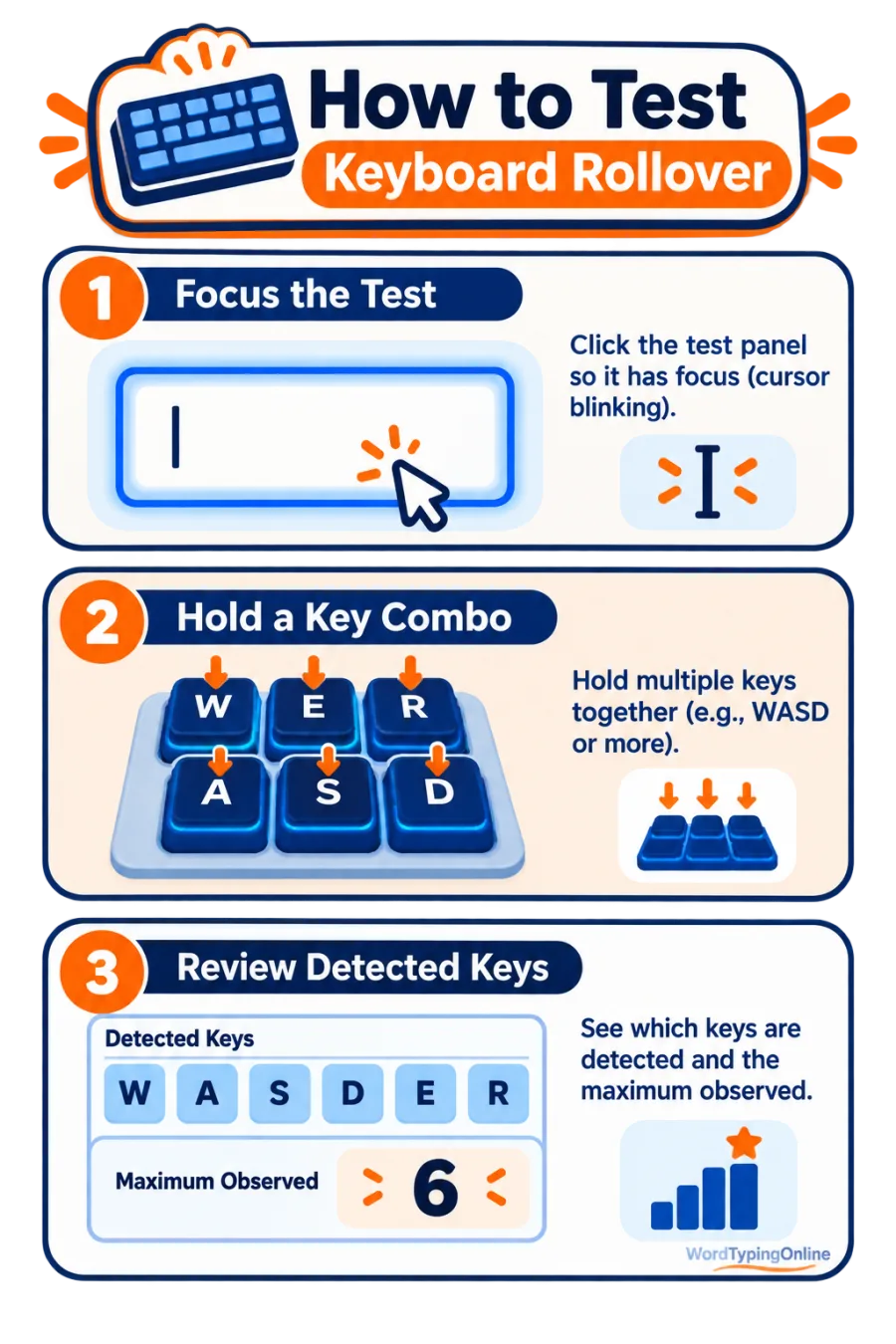
What the test can show?
Currently held keys, largest simultaneous chord, recognised combinations, and whether expected keys reach the browser together.
What it cannot prove?
It cannot confirm raw keyboard firmware claims or distinguish every hardware limitation from an operating-system shortcut.
Who should use this tool?
Gamers checking WASD combinations, fast typists, shortcut-heavy professionals, teachers, and anyone comparing a new keyboard can use this simple multi-key check.
How to run a useful rollover check?
Hold a familiar combination, such as movement keys with a modifier, and watch the recognised chord. Release and try another pattern. Compare the maximum count under the same browser and connection conditions. If a key is missing, repeat it slowly and inspect its switch with the Keyboard Switch Tester.
Ghosting and practical typing
Ghosting is a false or missing key pattern caused by some keyboard matrices. It matters most for complex gaming controls and shortcuts; normal typing is usually sequential rather than truly simultaneous. A reliable keyboard still supports better results when paired with typing practice.
Use your keyboard skills beyond diagnostics
Once combinations register reliably, measure your pace on the typing speed test. Build accuracy with typing lessons, then keep repetition enjoyable with Space Typing Shooter or Whack-a-Mole.
Frequently asked questions
What does NKRO mean?
NKRO means N-key rollover: a keyboard designed to recognise many simultaneous key presses.
Is 6KRO enough for gaming?
For most games, yes. NKRO can help with complex combinations.
Why is a key missing from my chord?
Your keyboard, operating system, browser, or a reserved shortcut may limit the observed combination.
Can this detect ghosting?
It can show unexpected or missing browser-observed keys, but it cannot diagnose every matrix-level cause.
Does the test save my keys?
No. The current session remains in your browser.
Can I use a laptop keyboard?
Yes, although rollover limits vary by keyboard design.
What should I do after testing?
Use the homepage typing test and regular practice to improve real typing performance.
Ready to test your typing speed?
Confirm your keyboard combinations work, then build speed and accuracy through focused practice, structured lessons, and enjoyable typing games.
Test your typing speed · Start typing practice · Try typing lessons · Play typing games