
Free typing tool
WPM Calculator
Calculate words per minute and characters per minute from a completed typing sample.
Standard formula: 5 characters = 1 word.
Calculate your typing speed in one minute
Use this free WPM calculator when you know how many characters you typed and how long the sample took. It turns that information into words per minute (WPM), characters per minute (CPM), words typed, characters per second, and a simple speed benchmark.
Quick facts
- Estimated time: about 1 minute
- Standard formula: 5 characters = 1 word
- Works on desktop, tablet, and mobile
Who can use it?
Students, teachers, job candidates, transcriptionists, and anyone who wants a quick typing-speed estimate can use this calculator.
What is a WPM calculator?
A words-per-minute calculator estimates typing speed from the amount typed and the time taken. One standard word is five characters, including spaces. For example, 250 characters typed in 60 seconds equals 50 WPM and 250 CPM.
What does this calculator show?
- WPM: your estimated words per minute.
- CPM: characters typed per minute.
- Words typed: your character total divided by five.
- Characters per second: a second-by-second speed view.
- Speed level: an easy-to-read benchmark for your result.
How does it work?
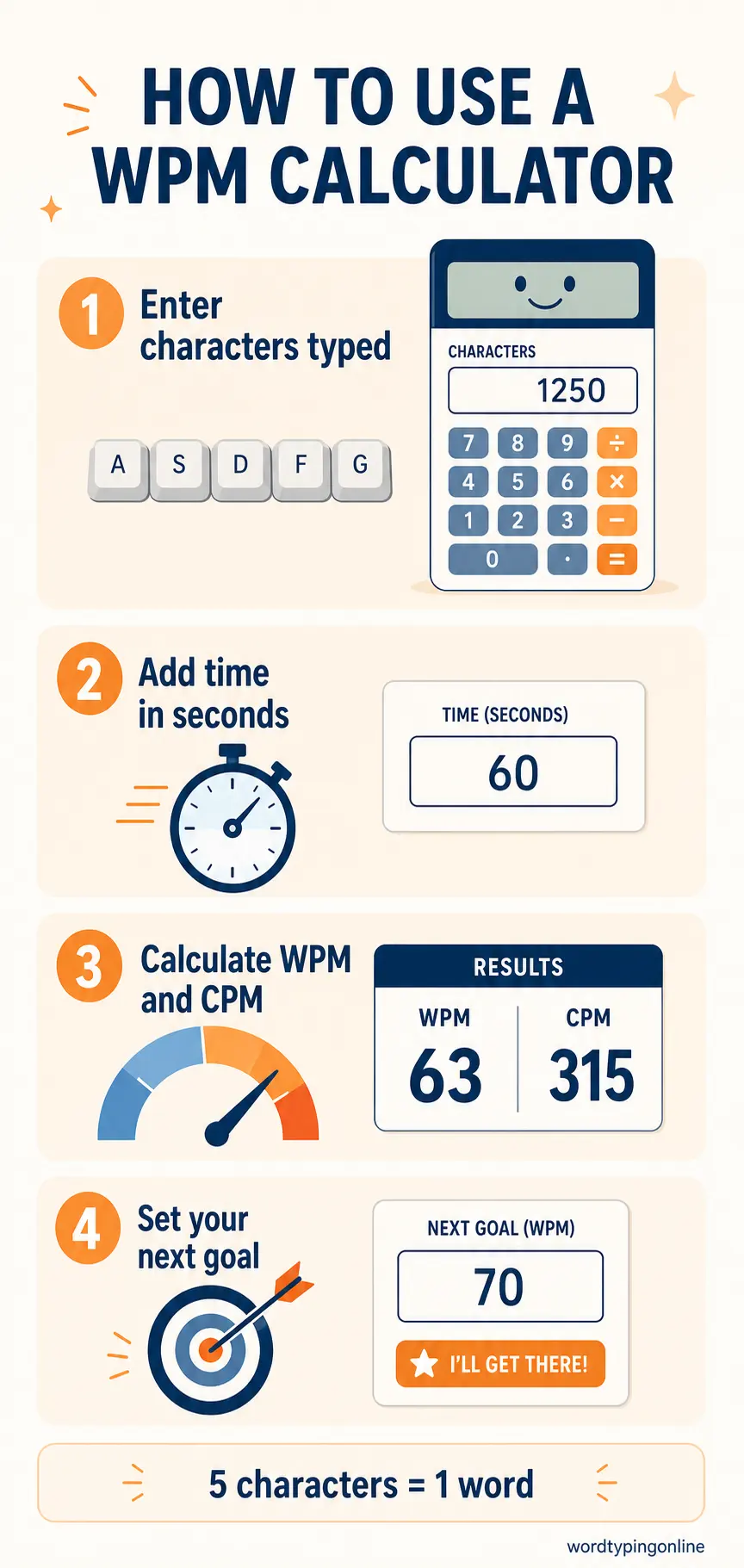
- Count the characters you typed, including spaces.
- Enter the time taken in seconds.
- Select Calculate to see WPM and CPM.
- Use the result to set a realistic practice goal, then test yourself again.
WPM Calculator at a glance
How this tool helps you improve
Improve WPM
Measure a repeatable baseline and work toward a small, sustainable increase.
Protect accuracy
Use speed results alongside an accuracy-focused practice session so faster typing does not become careless typing.
Track progress
Repeat the same length of sample over time to spot steady improvement.
Tips and common mistakes:
- Use the same kind of text when comparing results; a short word list and a technical paragraph can produce different speeds.
- Include spaces in the character total for the standard WPM formula.
- Do not judge a result from a few seconds of typing; a longer sample gives a more useful estimate.
- Prioritise accuracy first, then build speed with regular practice.
What is a good typing speed?
A good typing speed depends on the task, the text, and your accuracy. Instead of chasing one number, compare your current WPM with your own earlier results and aim for accurate, comfortable progress. This calculator is an estimate; use a timed typing test when you want live accuracy and error feedback.
Supported devices and browsers:
The calculator works in current versions of Chrome, Edge, Firefox, Safari, and other modern browsers. You can use it on a desktop, laptop, tablet, or phone.
Frequently asked questions:
How is WPM calculated?
WPM is calculated by dividing characters typed by five, then dividing by the number of minutes used.
Is CPM the same as WPM?
No. CPM counts every character, while WPM converts characters to standard five-character words.
Can I use this for a typing test?
Yes. Enter the characters and time from a completed sample, or use our typing test for a live result with accuracy and error feedback.
Which grade levels can use this tool?
It is suitable for learners who can type a short sample independently. Teachers can use it for simple classroom progress checks.
Ready to practise?
Turn your result into a practical next step with a live test, guided lessons, or focused practice.
Start a free typing test · Explore typing practice · Try typing lessons · Play typing games